Python is a popular high-level programming language that is widely used for various purposes such as web development, data science, machine learning, artificial intelligence, and many more. If you’re interested in learning Python or want to start coding with it, you need to download and install it on your computer. In this blog, we’ll guide you through the process of downloading and installing Python.
Step 1: Check Your System
Before downloading Python, you need to check if your system already has Python installed. If you are using a Mac or Linux operating system, you most likely already have Python installed on your computer. To check if you have Python installed, open a terminal and type “python –version” and press Enter. If you see a version number, then Python is already installed. If not, then you can proceed with the installation process.
Step 2: Download Python
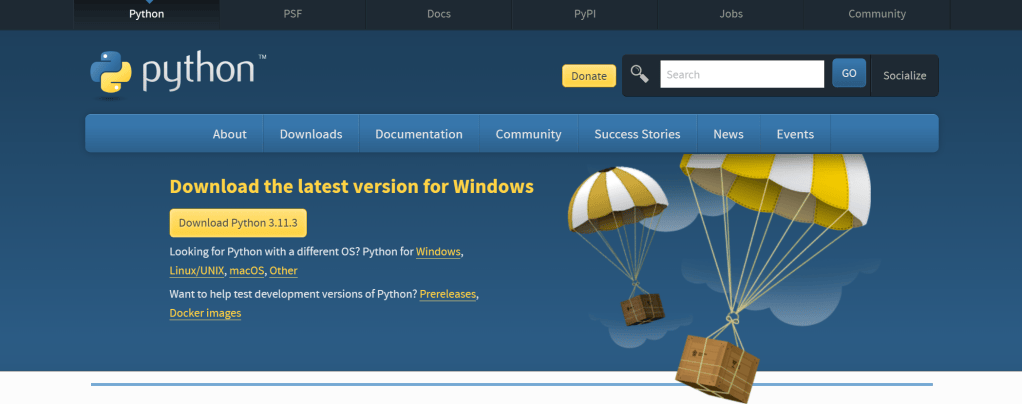
To download Python, go to the official Python website at https://www.python.org/downloads/. On the homepage, click on the “Download” button located on the top right corner of the page. You will be taken to a page where you can select the version of Python you want to download. Choose the latest version, which should be at the top of the list.
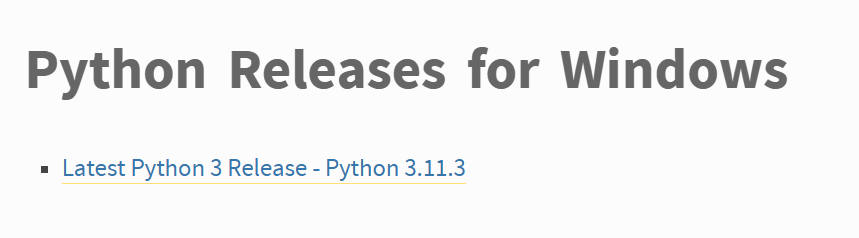
Step 3: Install Python
After downloading Python, open the downloaded file to start the installation process. Follow the instructions on the screen to install Python on your computer. Make sure to select the option to add Python to the PATH environment variable during the installation process. This will allow you to run Python commands from any directory in your terminal.
Step 4: Verify the Installation
Once the installation process is complete, you can verify if Python is installed correctly by opening a terminal and typing “python” and pressing Enter. This will open the Python interpreter, which is a command-line tool that allows you to run Python code. You should see a message displaying the version of Python you have installed.
Congratulations! You have successfully downloaded and installed Python on your computer. Now, you can start learning Python and exploring its vast capabilities. If you’re new to programming, there are plenty of online resources and tutorials that can help you get started. Happy coding!


Leave a Reply